Make the
invisible
measurable.
Your phone is full of instruments you rarely get to see. AXIRN opens them up in one live control panel, turning motion, location, sound, health, vision and system state into readable signals. Pin what you watch. Ask the on-device model what it all means.
Hairline gauges.
Real readings.
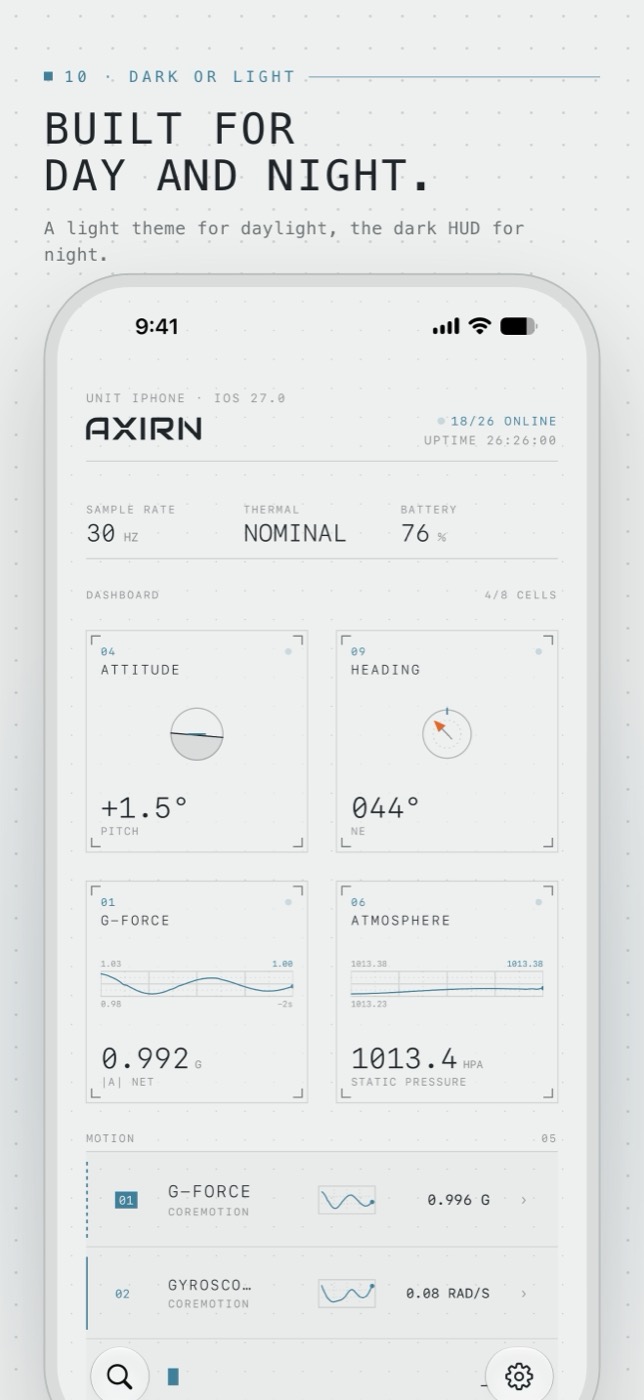
Every screen is drawn from what the hardware reports right now. When a sensor has nothing to say, AXIRN shows a dash, not a guess.
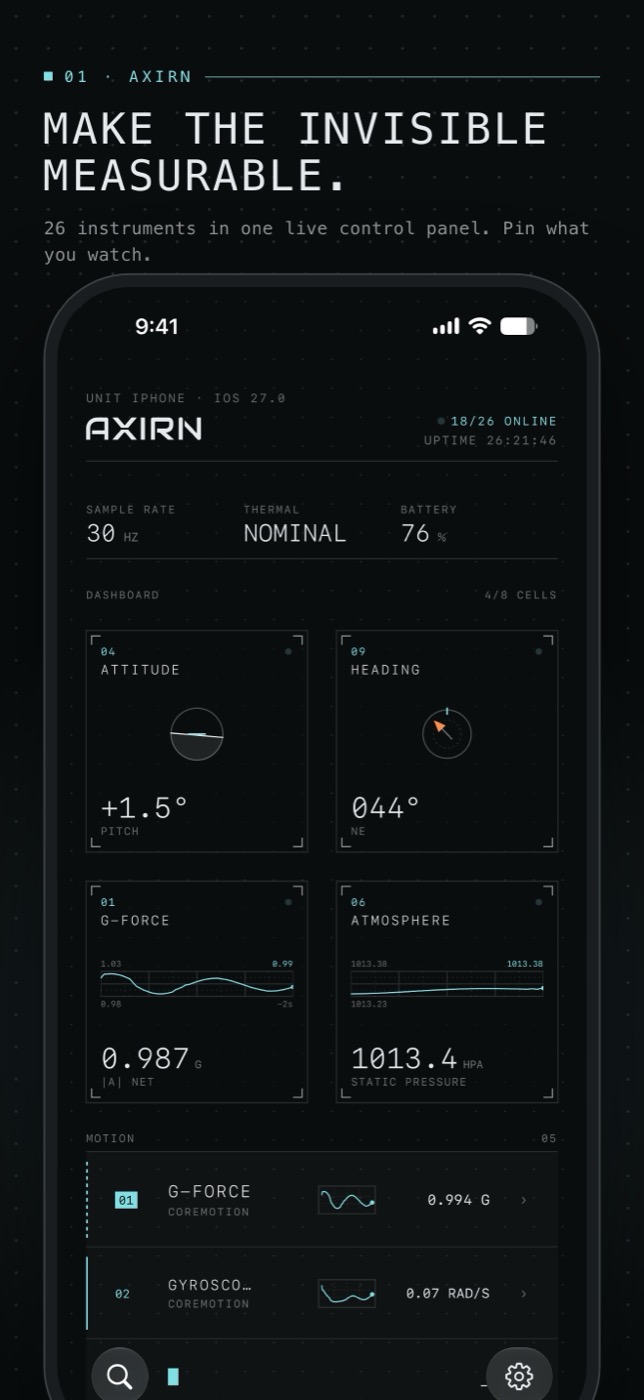
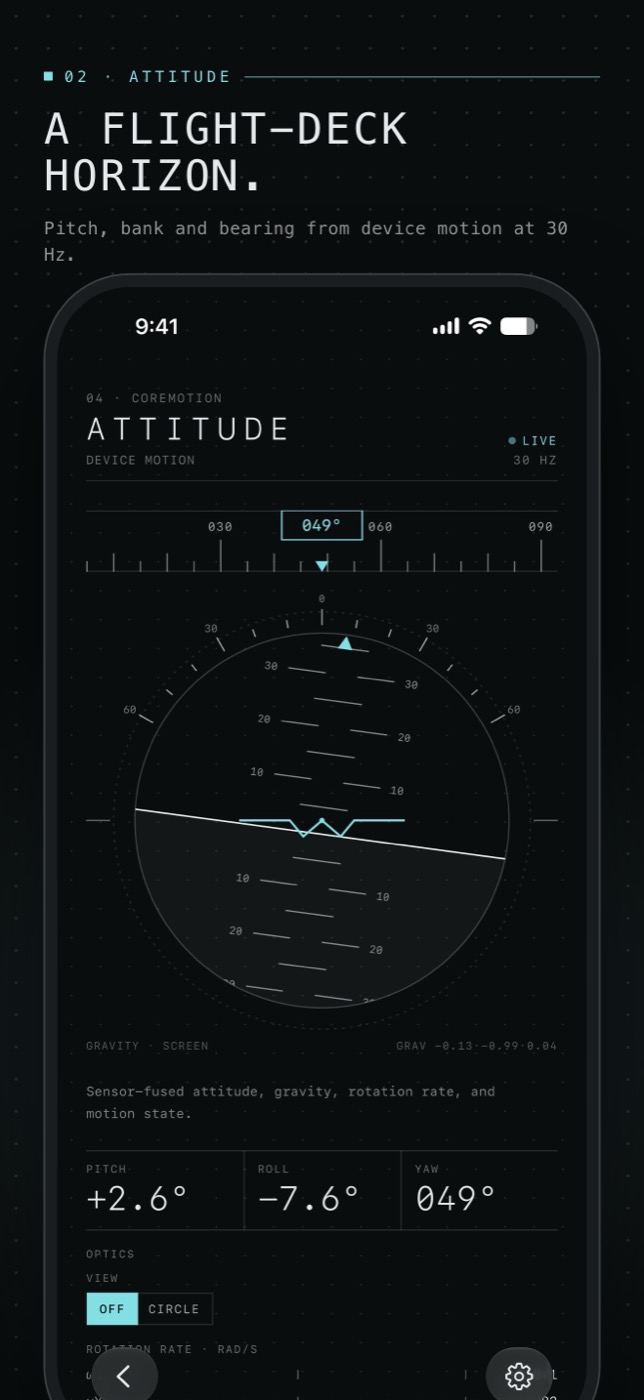
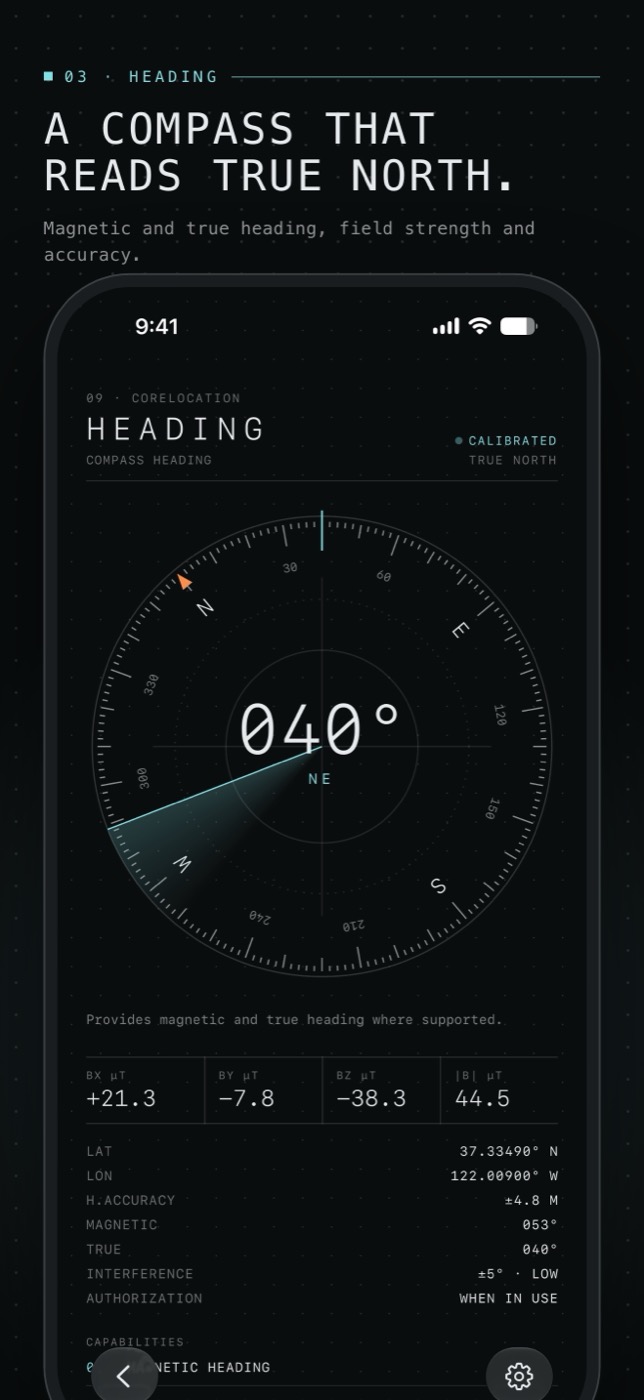
Attitude & G-force
Artificial horizon, accelerometer, gyroscope and magnetometer at 30 Hz, with true-level calibration.
Compass & location
True and magnetic heading, coordinates in decimal or DMS, altitude and speed.
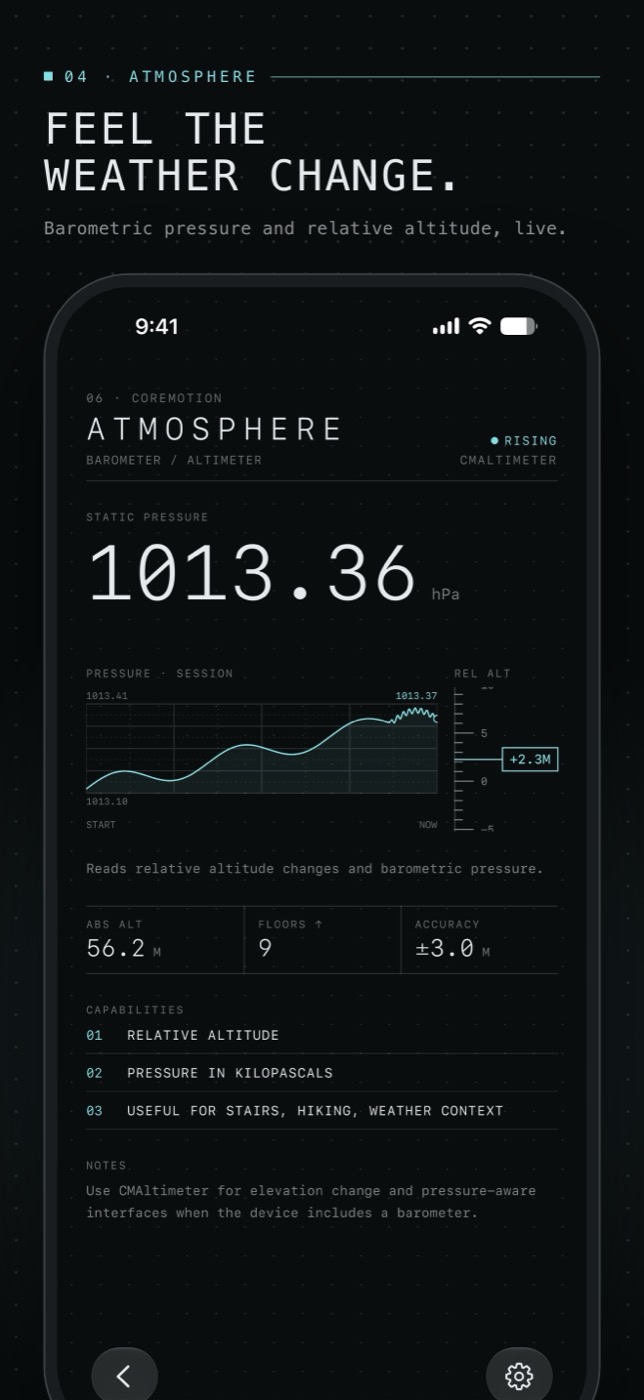
Barometer & weather
Station pressure, relative altitude and trend, plus Apple Weather conditions.
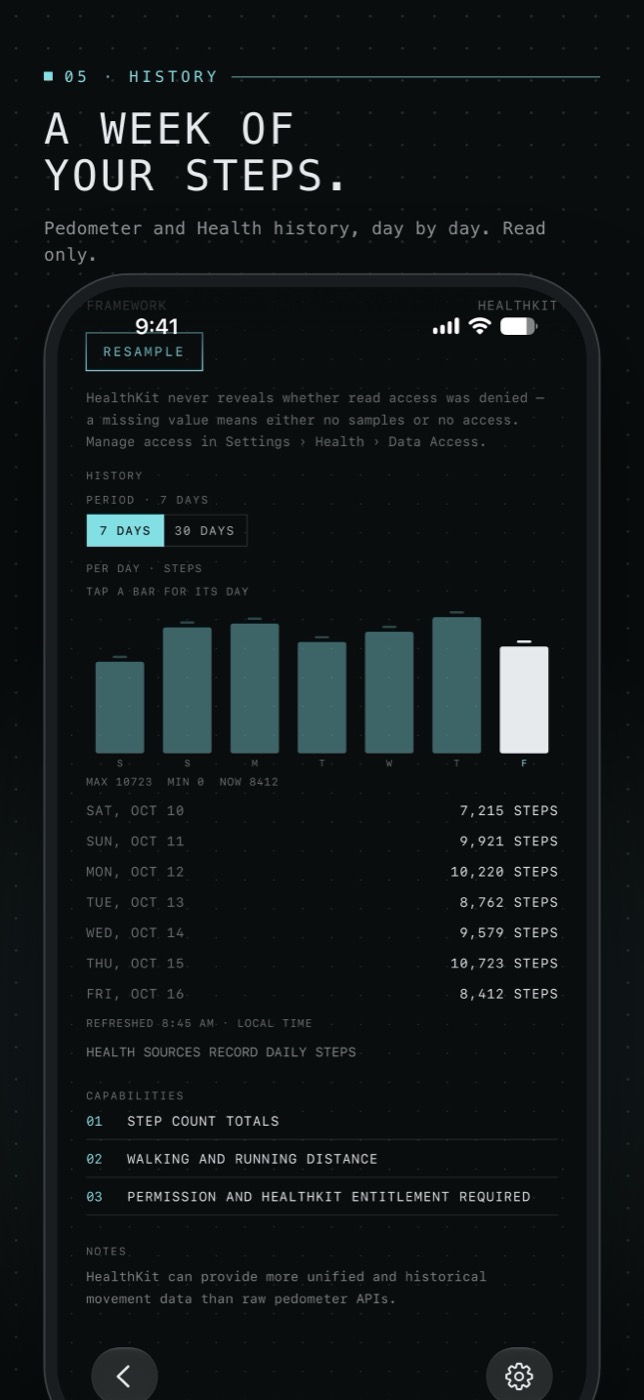
Seven-day history
Steps, sleep, heart rate, workouts, VO₂ max and blood oxygen — read only, day by day.
Camera, LiDAR, faces
Multi-camera feed, LiDAR depth palettes, face detection and TrueDepth face tracking.
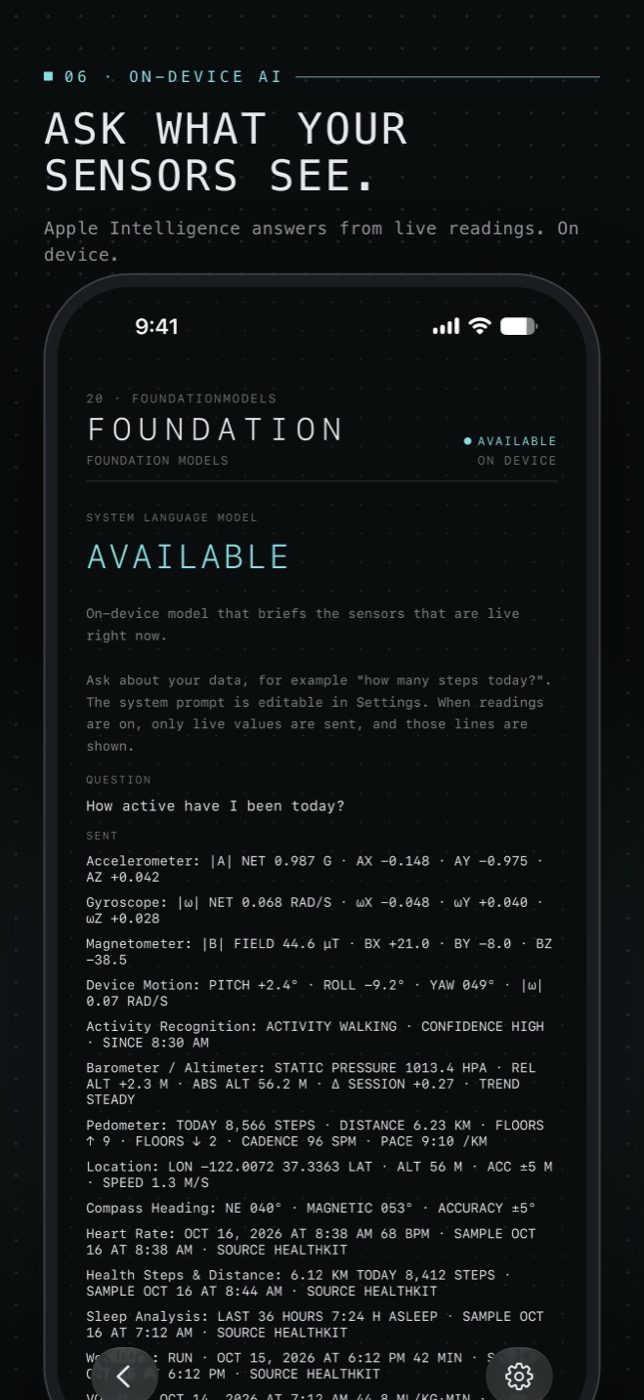
Ask your sensors
Apple's on-device model answers questions from your live readings. Nothing leaves the phone.
Slow values,
always in view.
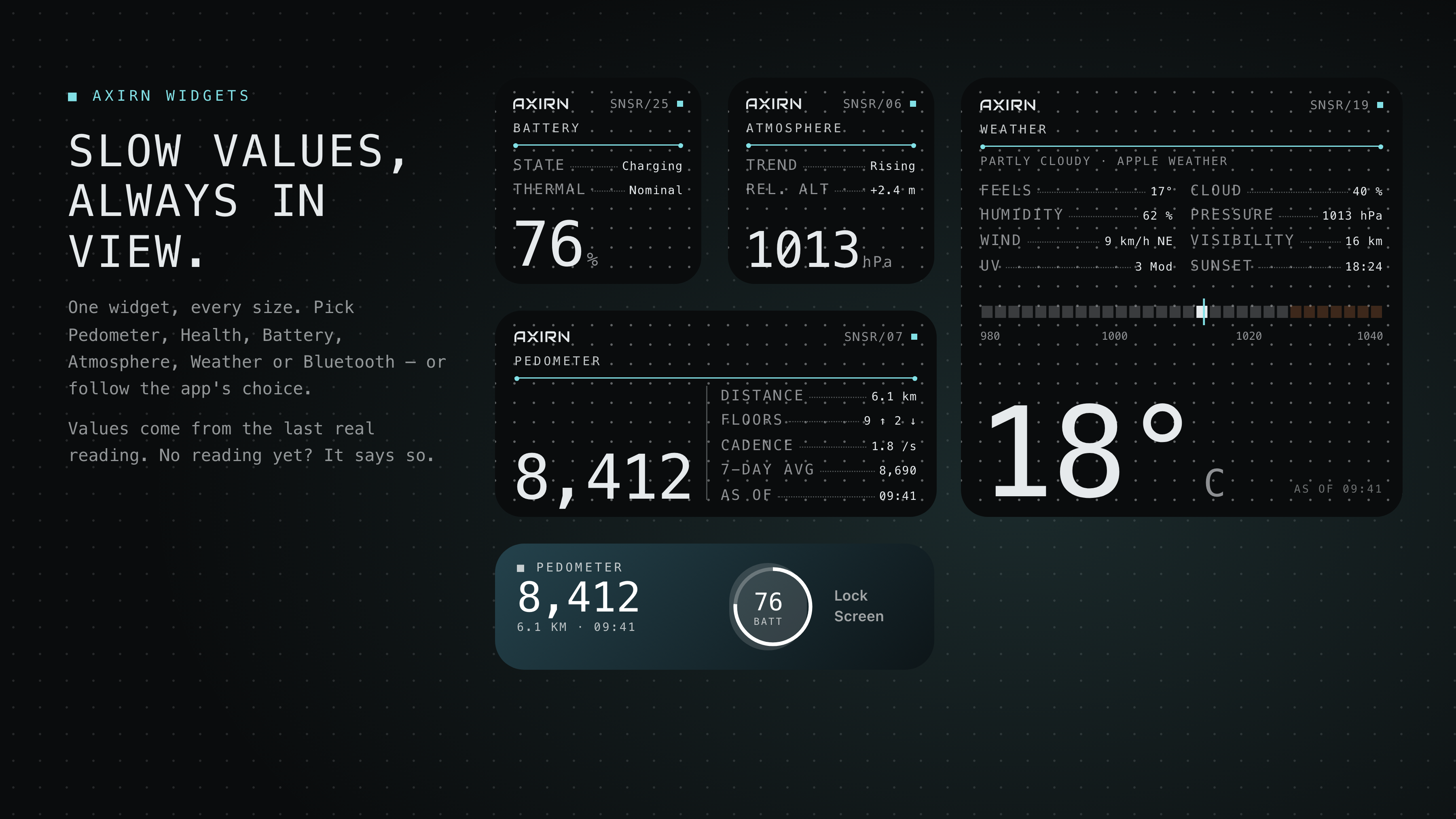
One AXIRN widget in every size, on the Home Screen and Lock Screen. Choose a source per widget or follow the app.
No account.
No tracking.
No cloud.
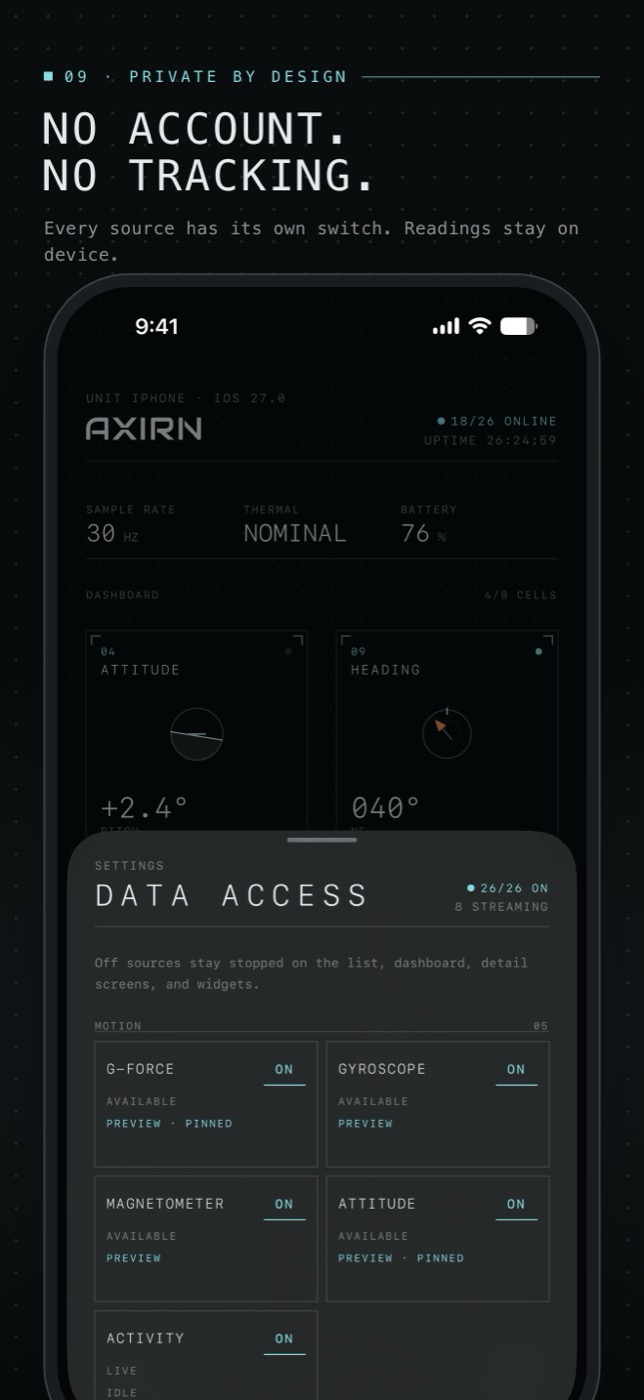
- Readings stay on your iPhone. Processed in memory, never uploaded.
- AI runs on device. Foundation Models only — no cloud model.
- Every source has a switch. Off means it never starts.
- One exception: Apple WeatherKit receives your location to fetch a forecast.
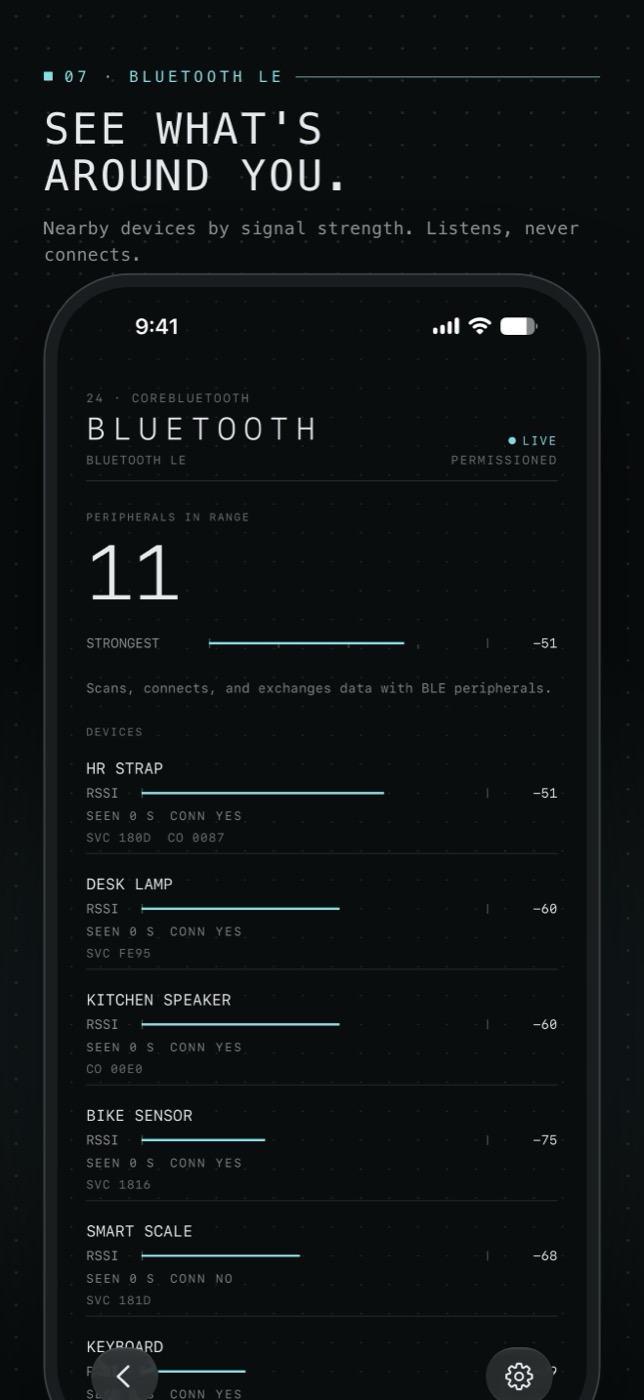
- Listen-only Bluetooth. AXIRN never connects to devices.
Questions
Which iPhones are supported?
Any iPhone running iOS 26 or later. Some instruments need specific hardware — LiDAR needs a Pro model, face tracking needs TrueDepth — and AXIRN tells you when something isn't available on your device.
Does it work in the background?
No. iOS doesn't keep these sensors running for apps in the background, so readings and alerts run while AXIRN is open. Widgets show the last real reading with its time.
What does the AI need?
An iPhone that supports Apple Intelligence with it turned on. If the model isn't available, the screen says exactly why.
Does AXIRN write to Health?
Never. Health access is read only, and you choose which types to share.